
Piano 3D
Read our comprehensive review of Piano 3D, a feature-rich virtual piano app for Windows designed for both aspiring musicians and synthesis enthusiasts.
The Challenge of Finding a Truly Responsive Virtual Piano
Many virtual instruments feel flat and unresponsive on desktop and tablet screens, lacking the dynamic feedback that makes playing a physical instrument satisfying. The Piano 3D virtual keyboard solves this digital disconnect by combining highly realistic visual feedback with an advanced real-time audio engine. Developed by Mobile Kingdom for the Windows platform, this app aims to bring a tactile, immersive instrument experience directly to your screen.
Immersive Audio and Visual Realism
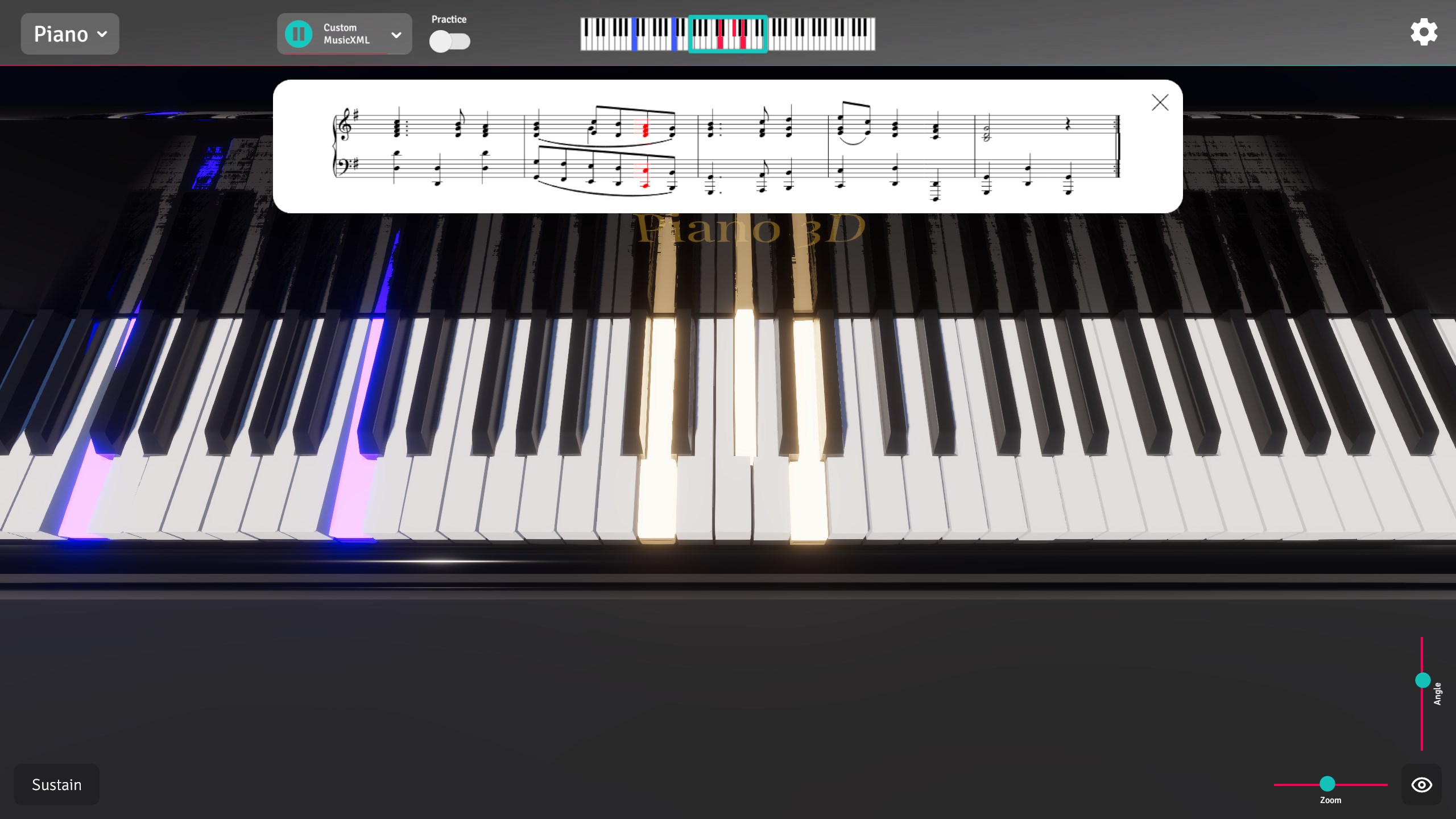
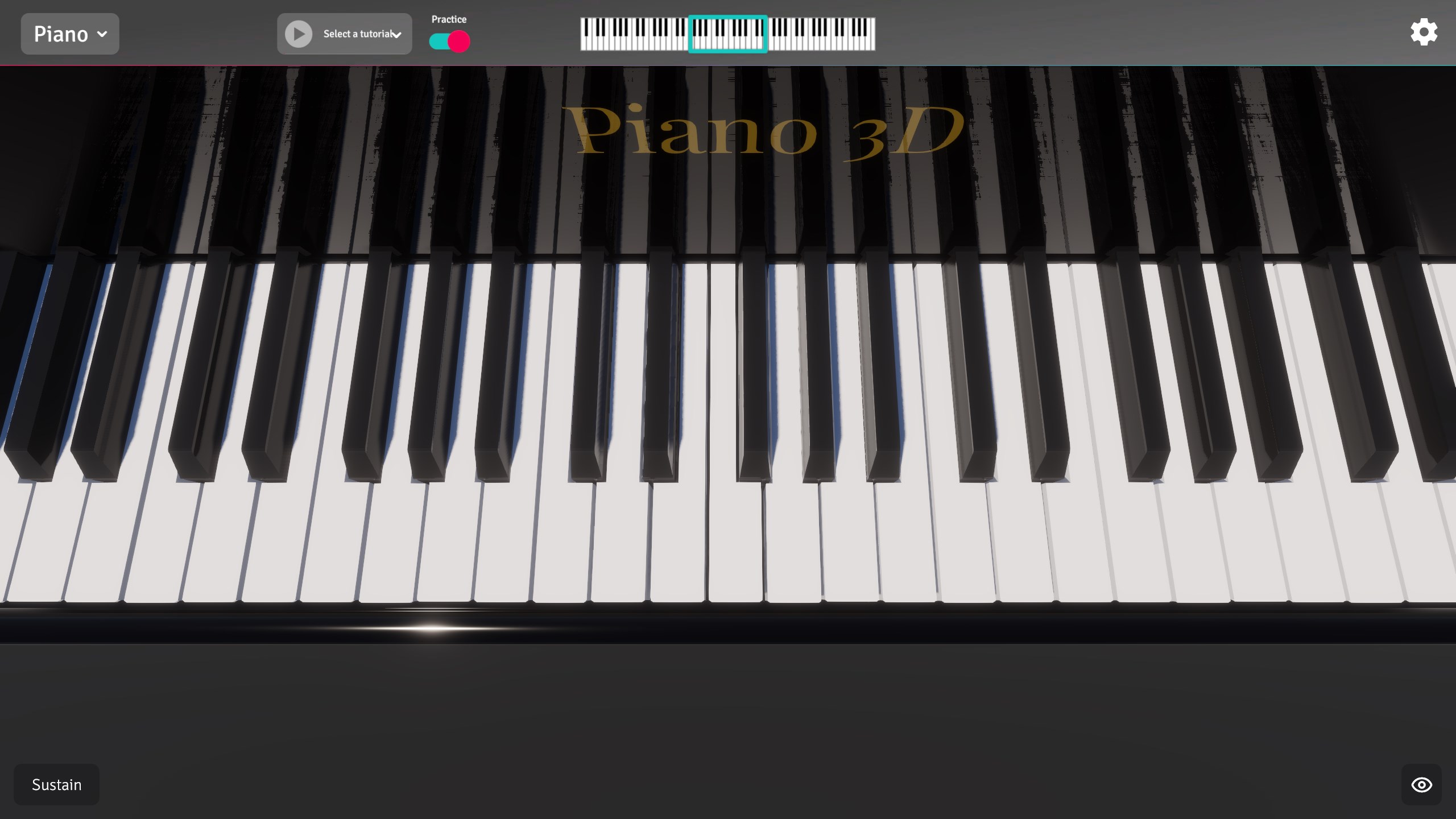
At the heart of the Piano 3D virtual keyboard experience is a meticulous attention to sensory detail. The interface features realistic animations and dynamic shadows that respond to your touch, making the on-screen keys feel physically present. More importantly, the high-quality recorded sounds are modified using a real-time ADSR (Attack-Decay-Sustain-Release) filter, ensuring your playing sounds natural and expressive.
Key Features of the App:
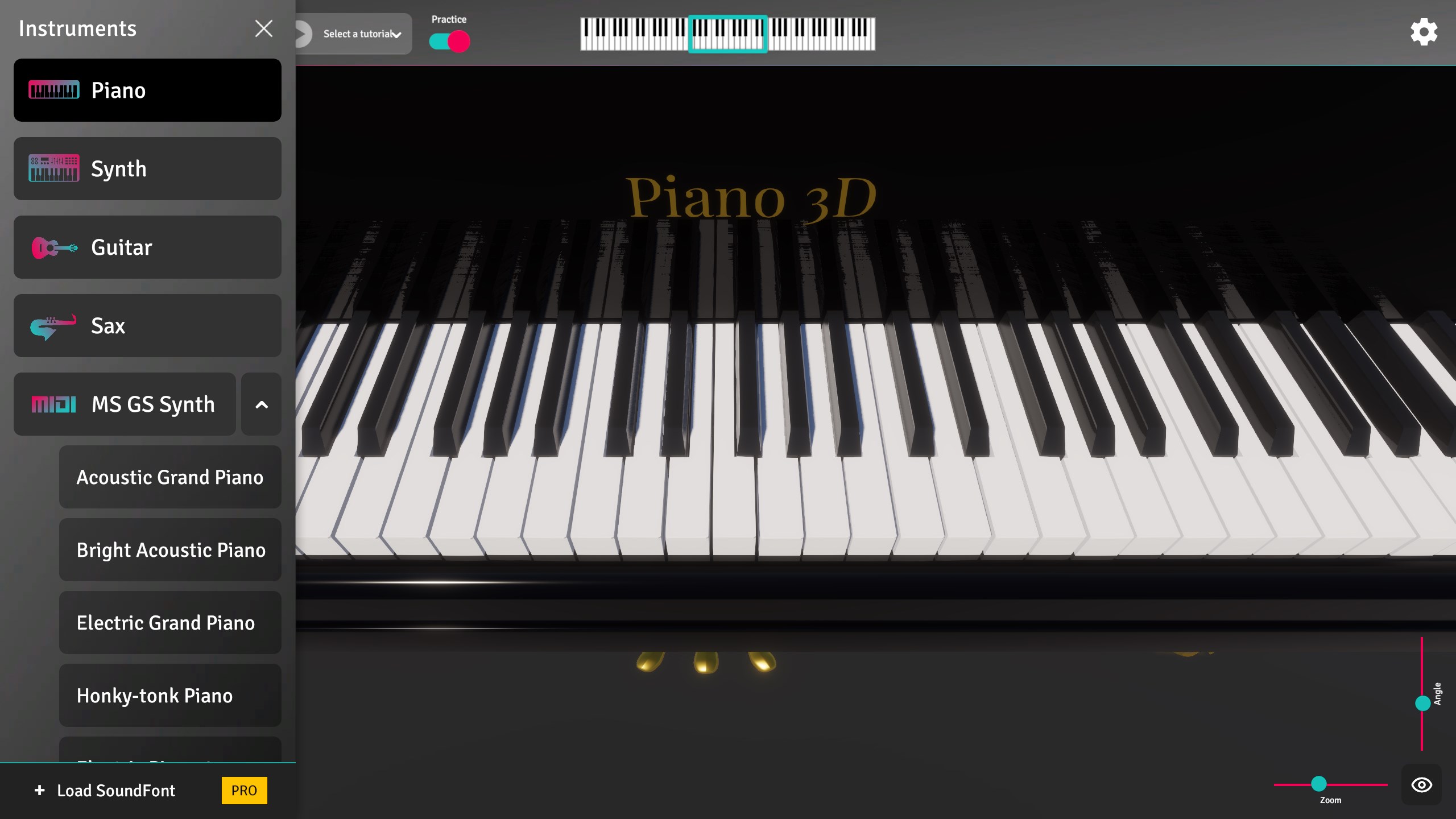
- Multi-Instrument Library: Switch easily between classic piano, guitar, and saxophone sounds depending on your musical mood.
- Advanced Sound Synthesis: Take full control of your audio with built-in Amplitude and Frequency modulation tools.
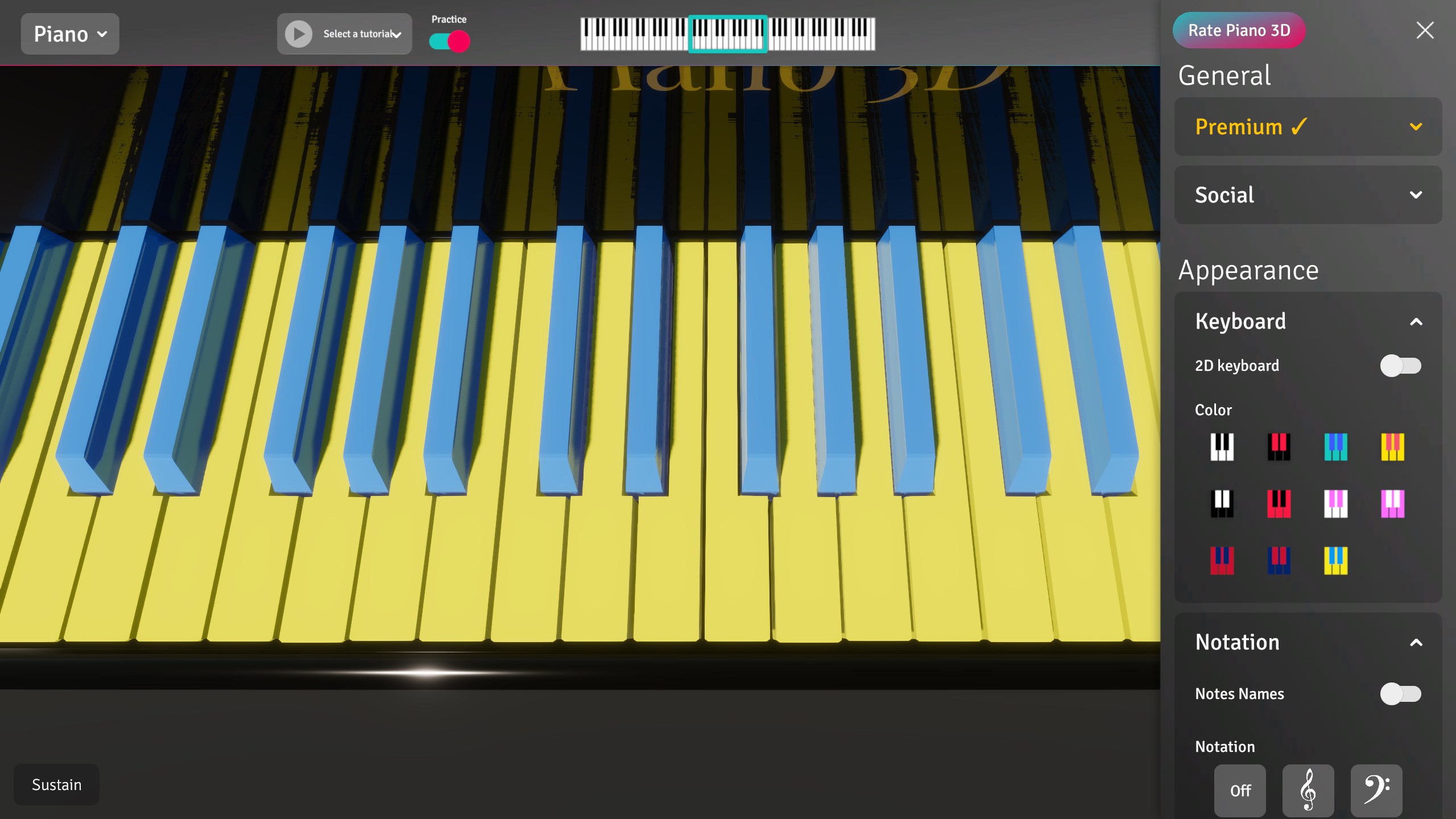
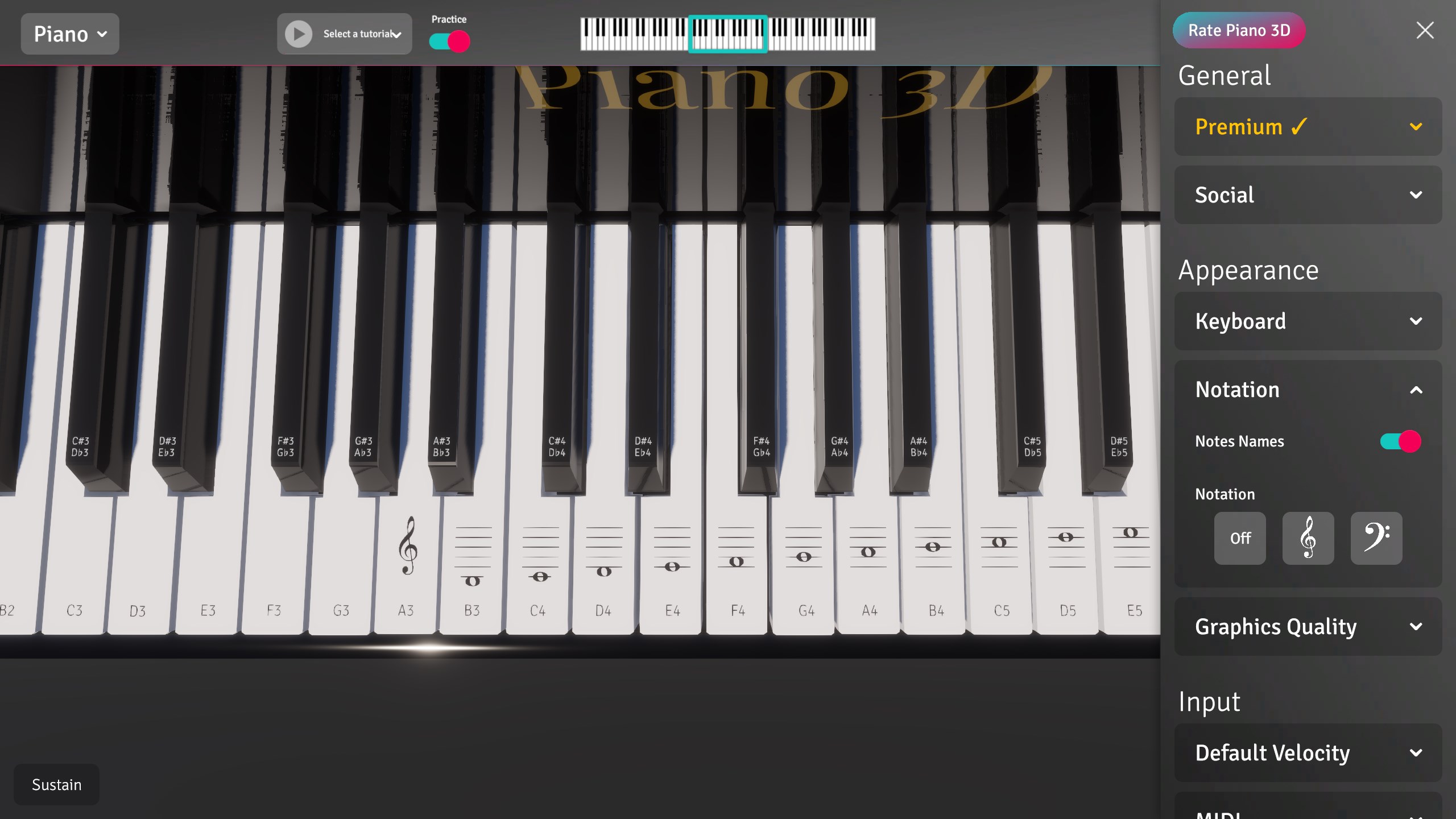
- Interactive Customization: Adjust the size of the keys with smooth scrolling and scaling, or customize the interface by changing the traditional black-and-white keyboard colors.
- Flexible Input Methods: Play comfortably using your mouse, standard computer keyboard, or take advantage of full multi-touch support on compatible Windows tablets.
From Beginners to Sound Designers
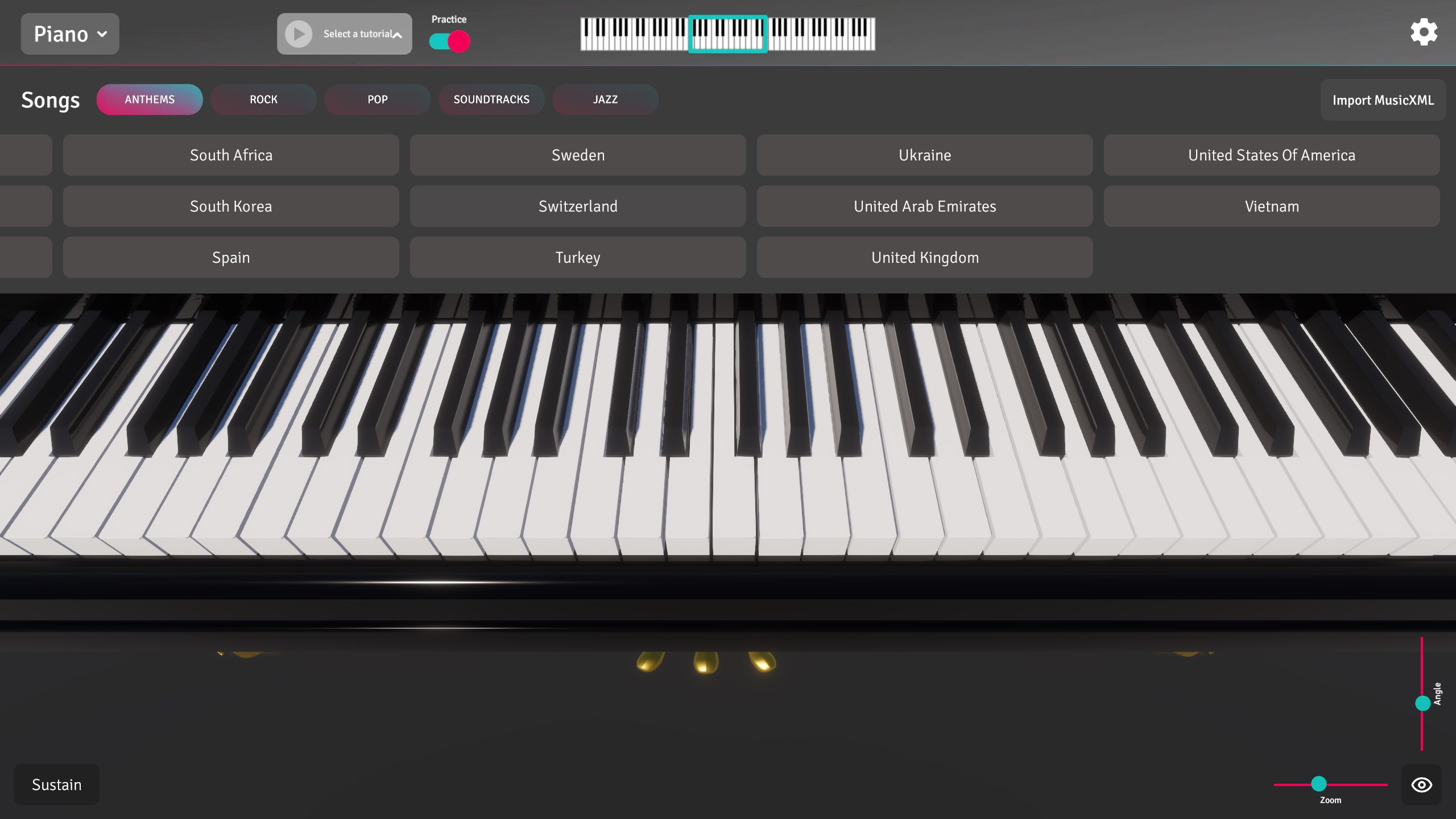
This software caters to two distinct audiences. For beginners, the Piano 3D virtual keyboard serves as an excellent educational tool. The app features built-in tutorials designed to help you learn the keyboard layout, memorize notes, and play simple songs like national anthems. On the other hand, experienced users and sound designers can dive deep into the ADSR filters to shape completely unique custom synthesizer patches from scratch.
Verdict: A Versatile Music Studio for Windows
Mobile Kingdom has delivered a highly flexible application that functions beautifully as both a learning platform and a creative sandbox. Whether you want to practice basic melodies on your tablet or experiment with complex frequency modulation on your desktop, this app provides the necessary tools in a visually stunning 3D environment. To experience this virtual instrument for yourself, you can find it available on the official Microsoft Store.