

Warpinator
Read our comprehensive review of Warpinator, the secure local network file sharing tool for Linux. Discover its speed, encryption, and ease of use.
While many file transfer utilities rely on slow cloud uploads or complex command-line setups, the Warpinator Linux file sharing utility offers a refreshing, serverless alternative. Developed by the Linux Mint team, this tool is designed to solve a very specific problem: moving files between computers on the same local network instantly, securely, and without any configuration headaches.
What is the Warpinator Linux File Sharing Tool?
At its core, Warpinator is a local network transmission application. Instead of sending your sensitive documents to an external server and downloading them on another machine, this software establishes a direct, encrypted connection between devices on your local area network (LAN). This local-first approach ensures maximum transfer speeds that are limited only by your local router and network hardware, making it perfect for moving large media files, system backups, or daily documents.
Key Features of Warpinator
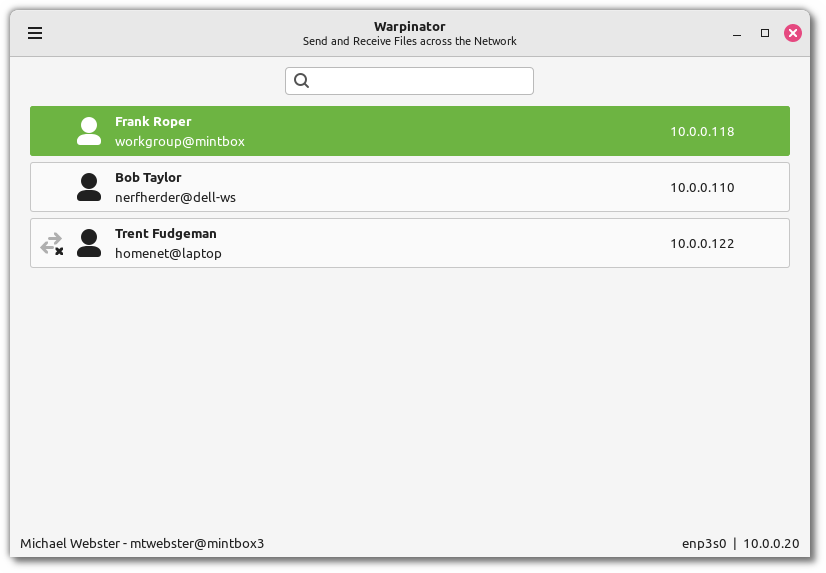
- Automatic Device Discovery: No need to copy IP addresses; the application automatically scans your local network to find other active instances.
- Robust Security Standards: All connections between your devices are fully encrypted, keeping your data private from other users on the network.
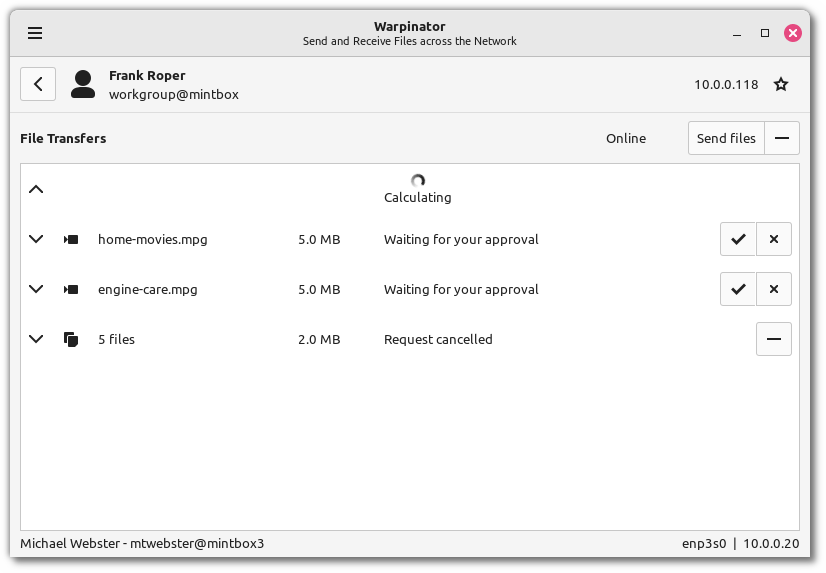
- Simultaneous Data Transfers: Queue and send multiple files or folders at once without waiting for individual tasks to complete.
- Custom Device Grouping: Use shared security keys to group specific devices together, establishing private sharing pools on shared or public networks.
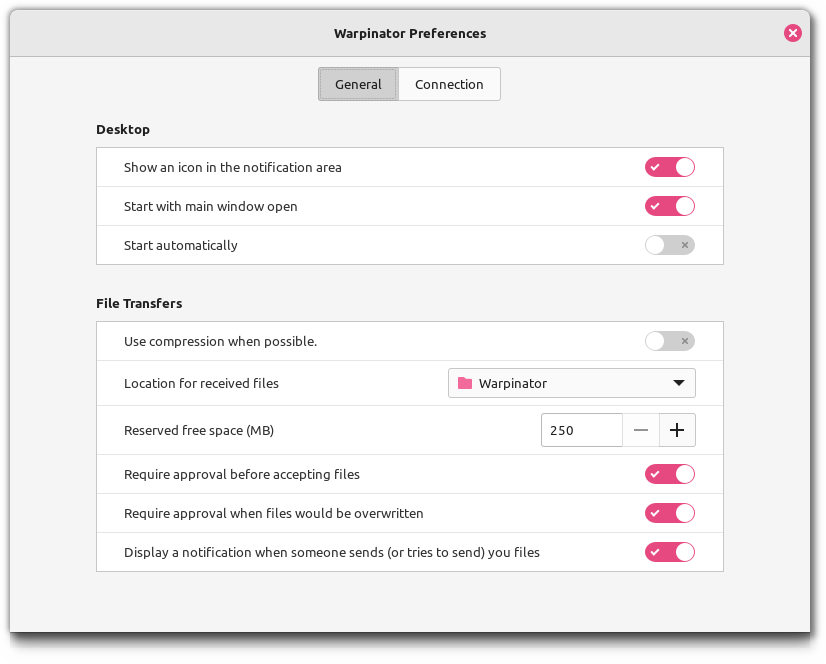
- Optional Compression: Compress data on the fly to reduce transmission times over wireless connections.
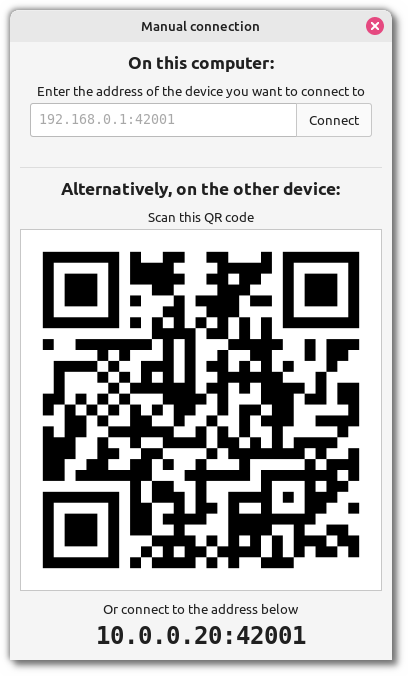
- Manual Connection Fallbacks: Easily connect to specific machines manually when working within highly restricted network environments.
Streamlined Local Transfers Without the Cloud
For Linux users who value privacy, the Warpinator Linux file sharing system eliminates the middleman. You do not need an internet connection to use it; as long as your computers are connected to the same Wi-Fi network or ethernet switch, the software handles the rest. Its clean, intuitive graphical interface makes it accessible to beginners, while its secure group key features satisfy advanced users who need partitioned access control on busier networks.
Is Warpinator Right for Your Workflow?
If you regularly move files between multiple Linux systems in your home or office, Warpinator is an indispensable addition to your software toolkit. It bypasses the latency of cloud storage and the complexity of setting up shared network folders (like Samba or NFS). To integrate this seamless transfer tool into your daily routine, head over to the official Flathub store page to download and install the application on your Linux distribution.